
Accidents
Accident history
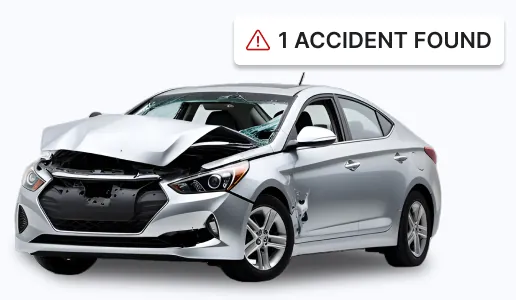
Reported accidents with the date, the reporting entity, damage severity and the impact area, such as a front impact with another vehicle.
A used car can look spotless on the lot and still carry a salvage title, a rolled-back odometer or an unpaid loan. VINCheckUp turns the 17-character VIN into a vehicle history report built mainly on federal NMVTIS title data, so you can see what the seller may not mention before you hand over any money.
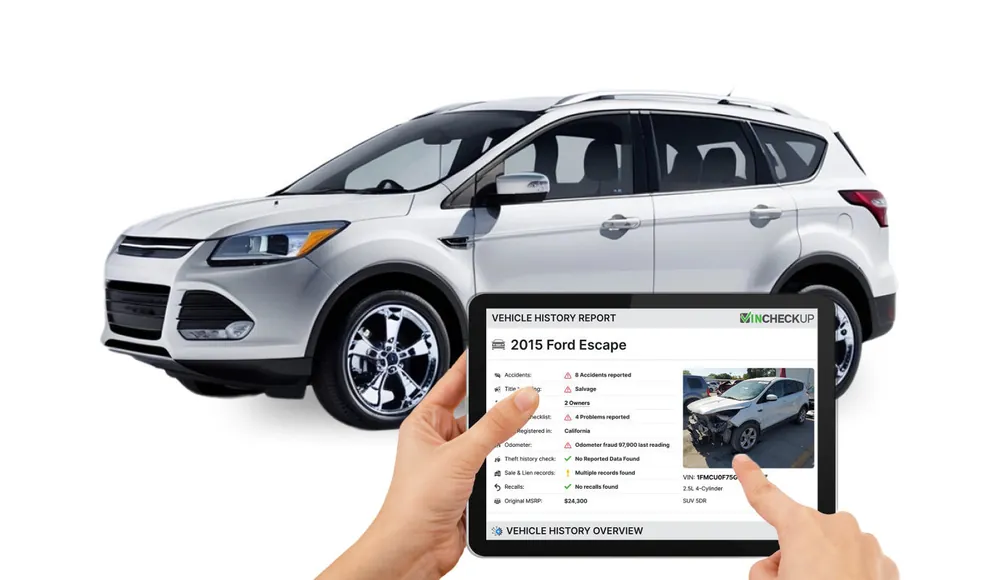
VINCheckUp, sold at VinCheckUp.com and often searched as "VIN Check Up", is an online vehicle history report service run from Las Vegas, Nevada. You type in a vehicle identification number, the service matches it against title, insurance, auction and sale records, and you get a single report that lays out the vehicle's past in plain sections: accidents, title brands, odometer readings, ownership, recalls, theft checks and liens.
The core of every report is the National Motor Vehicle Title Information System (NMVTIS), the federal database run under the U.S. Department of Justice. State titling agencies, insurance companies and junk and salvage yards are required by federal law to report to NMVTIS, which makes it one of the most direct sources for title brands such as salvage, junk, flood and rebuilt, and for vehicles an insurer has declared a total loss. VinCheckUp says its connection to NMVTIS has been tested and approved by AAMVA, and it layers additional government and proprietary data on top.
The service is built for screening. It is priced so you can check several cars, not just the one you have already fallen for, and the first search on any VIN is free, so you can confirm the year, make and model match the listing before you pay anything.
VinCheckUp is clear about the limits too. A report shows what has been reported to its data sources, nothing more, and the company tells buyers that a history report does not replace an in-person inspection by a mechanic. Read the rest of this guide with that in mind: a report is the first filter, not the final word.
The process takes a few minutes and runs the same way on a computer, phone or the VinCheckUp apps for iOS and Android.
Copy the 17-character VIN from the listing, the dashboard or the title. A valid VIN never contains the letters I, O or Q, which helps you catch typos before you search.
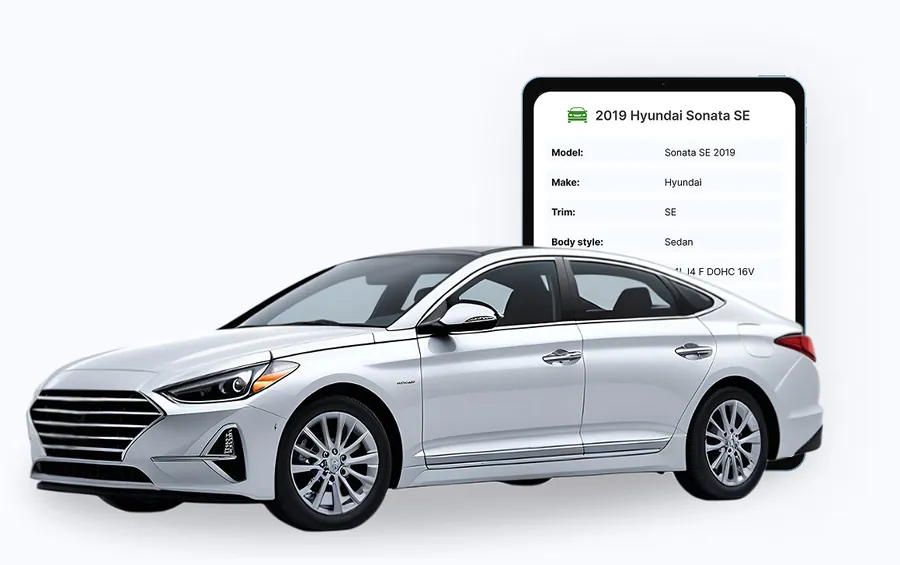
VinCheckUp decodes the VIN and shows which kinds of records exist for the vehicle. If the decoded model does not match the ad, stop there; you have just found a problem for free.
Choose a report pack, create your account and open the full report in your member area. You can view it on screen, download it, save it or share it with a mechanic or family member.
Every vehicle built for the U.S. market since 1981 carries a standardized 17-character VIN. It never changes when a car is sold, re-titled or moved to another state, which is exactly why history services key everything to it. A seller can hand you a fresh title from a new state; the VIN still ties that car to the salvage brand or total-loss report filed years earlier.
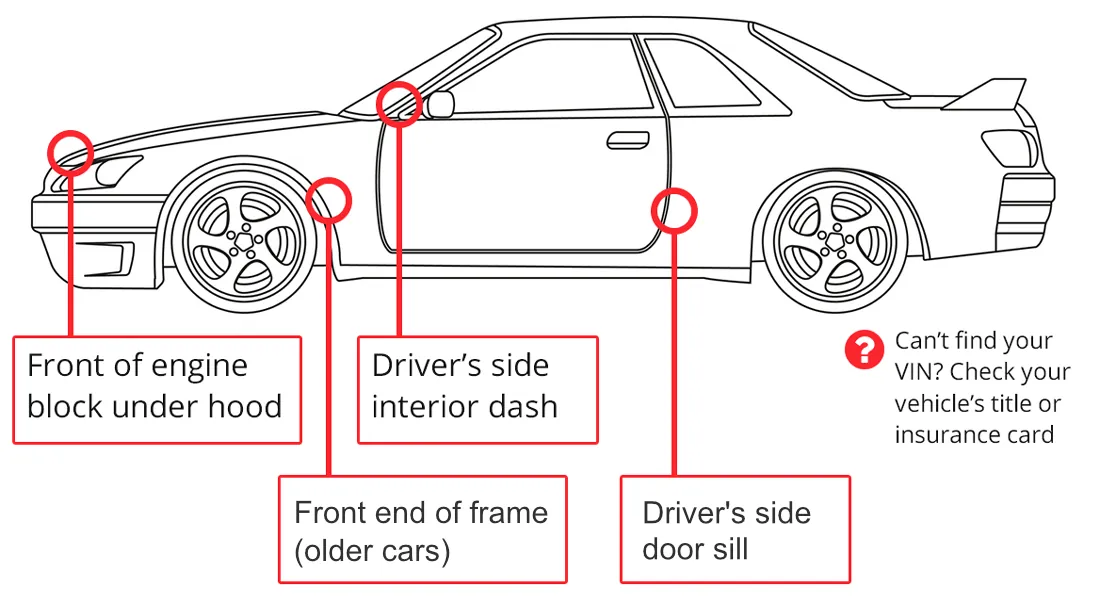
Before you search, compare the VIN in three places: the listing, the plate at the base of the windshield on the driver's side and the sticker on the driver's door jamb. If they don't match, treat it as a red flag no matter what the report says.
The report is split into sections, each tied to a different kind of record. How full each section is depends on the vehicle and on what has been reported about it. A newer car with one owner may have little to show; a ten-year-old car that has crossed state lines usually has more.
Reported accidents with the date, the reporting entity, damage severity and the impact area, such as a front impact with another vehicle.
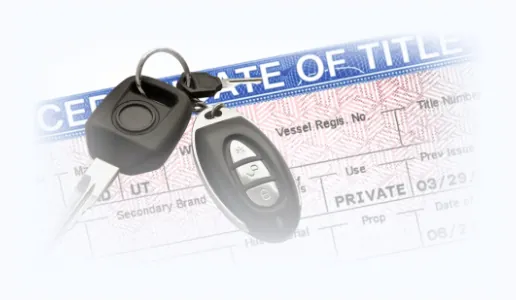
Current and past title events by state, date and mileage, checked against more than 60 title brands including salvage, reconstructed and lemon.

Insurance write-offs and salvage records, including the reporting yard or auction, the damage type and whether the vehicle was intended for export.
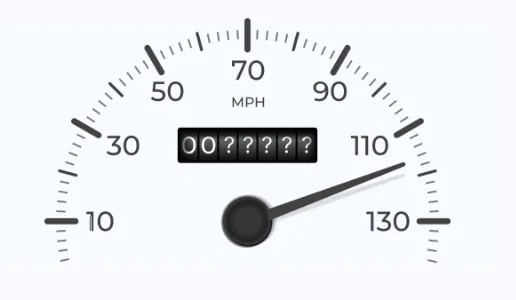
The last reported reading plus a history of readings, scanned for drops that point to a rollback or a "not actual" mileage brand.
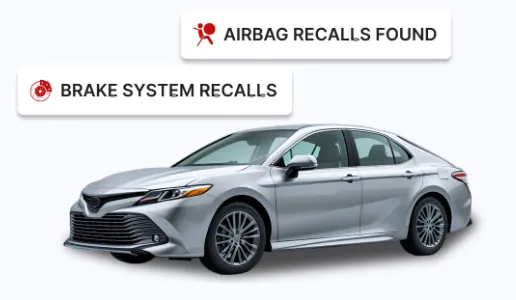
Manufacturer safety recalls tied to the vehicle, with the defect description, so you can ask the seller whether the repair was done.
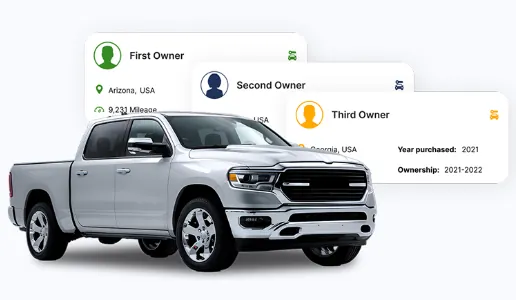
The estimated number of owners, the year each bought it, how long they kept it, the state it was registered in and the odometer at the time.
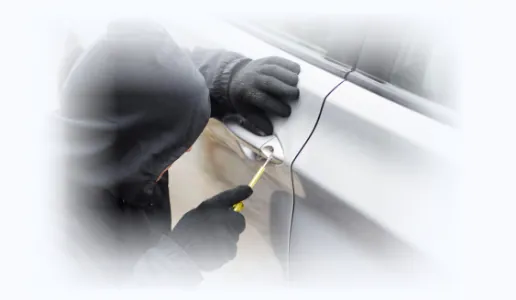
Historical and active theft indicators and title "hot check" information, which may also show whether a stolen vehicle was later recovered.
Recorded liens with the secured party, plus past sale listings showing dates, asking prices, mileage and color at the time of sale.
Where available, auction entries with sale dates, prices and condition notes, along with listing or auction photos of the car at the time.
Near the end of the report is a pass-or-flag checklist that runs the VIN against dozens of specific brands and record types. In VinCheckUp's sample report it covers, among others:
The report also includes full vehicle specifications decoded from the VIN, fuel economy and power output, market pricing (original MSRP, an estimated retail range, average private-party and trade-in values), possible dealer service records and a manufacturer warranty check showing the original coverage terms. One thing it never shows is who owned the car: VinCheckUp removes owner names and addresses to comply with federal privacy rules.
Most reports contain a mix of routine and alarming entries. These are the ones that should change your decision or your offer:
Some entries simply give you something to ask about or use in negotiation:
VINCheckUp does not bundle bonus e-books or add-ons. What you do get, at no extra cost, is a set of tools and services around the report itself.
Search any VIN before you pay and see the decoded vehicle plus which record types are available. It is the fastest way to catch a VIN that does not match the listing.
Every report you buy is stored in the Search History section of your account for 30 days from purchase, so you can come back to it, download it again or show it at the dealership.
VinCheckUp also runs a recall check, a window sticker lookup, a side-by-side vehicle comparison and car loan, lease and depreciation calculators that help you price the deal around the report.
If a search does not return what you expected, support can run a manual search and email the result, usually within 24 business hours. Reports also open in the VinCheckUp apps for iPhone and Android.

It is a weaker fit if you need years of detailed dealer maintenance logs for one specific car, or if the vehicle was built before 1981 and has no standard 17-character VIN.
No single history service sees every record. This is how VINCheckUp lines up against the names you are most likely to compare it with.
| Feature | VINCheckUp | Carfax | AutoCheck | NICB VINCheck |
|---|---|---|---|---|
| Price | $19.95 for 1, $29.95 for 3, $49.95 for 10 | Paid; see carfax.com for current packs | Paid; see autocheck.com for current packs | Free |
| Main data | NMVTIS title data, insurance total-loss records, auction and sale listings | Its own network of dealers, service shops, DMVs and insurers | Experian data; Experian is an authorized NMVTIS reseller | Theft and total-loss reports from participating insurers |
| Title brands and salvage | Yes, 60+ brands | Yes | Yes | Salvage and total loss only |
| Accident records | Yes, when reported | Yes, when reported | Yes, when reported | No |
| Odometer check | Yes | Yes | Yes | No |
| Service records | Possible dealer records | Its best-known strength | Limited | No |
| Liens and sale history | Yes, with listing prices | Varies | Varies | No |
| Best for | Screening several cars at a low cost per VIN | Deep service history on one car you are serious about | Auction vehicles and a quick comparison score | A free first check for theft or total loss |
Competitor details are summarized from each service's public information and change over time. The free NICB VINCheck allows five searches per day and, by its own description, is not a complete history report.
Every pack is a single payment. VinCheckUp does not offer trials, subscriptions or automatic renewals.
One vehicle
$4.99 per report
About $10 per report
Which pack makes sense? If you have already chosen a car and just want to confirm its history, one report covers it. Most buyers look at several cars before they find the right one, though, and the first report often rules a car out. Three reports at $29.95 cost only $10 more than one, and the 10-pack brings the cost down to $4.99 per VIN, which makes it easy to check every car on your list instead of guessing which one deserves the money.
Prices are those listed on VinCheckUp's pricing page at the time of writing. State sales tax may be added at checkout depending on your address, and the vendor notes that packages can change, so the final price is the one shown on the checkout page. You are charged per report whether or not a VIN returns much data, so run the free preliminary check first.
VinCheckUp offers a 30-day satisfaction guarantee to first-time customers. If you are not happy with your purchase, you contact the support team, who will try to resolve the problem first. Refunds are handled case by case, and the window is firm: requests must come within four weeks of the original purchase date.
Two details are worth knowing before you buy. The guarantee covers first-time customers only, to prevent abuse. And because the terms state you are charged for each report regardless of what it returns, a report that shows little history is not automatically refundable. Running the free preliminary search first is the simplest way to avoid paying for a VIN with almost no records.
Support is open every day from 9 a.m. to 6 p.m. Eastern, with shorter hours of 11 a.m. to 2 p.m. Eastern on weekends.
VINCheckUp is a digital service, so there is nothing to ship and no waiting for the mail. Here is what happens after you order.
Payment is by credit or debit card through a secure, SSL-encrypted checkout, and you must be 18 or older to buy. If you lose your login, use the "Forgot Password" link on the VinCheckUp login page or contact support. Support can also run a manual search for a VIN that does not come back as expected and send the result to the email on your account.
A vehicle history report is a strong tool when you know what it can and cannot tell you.
If you are selling a car and a stranger insists you buy a history report from a link they send, slow down. The FTC warns that some of these sites exist to collect card numbers and personal data, and the "buyer" disappears once you pay. Choose your own report provider and type its address yourself.
Reports only show events that were reported. A crash fixed for cash at a body shop, with no insurance claim, will not appear anywhere. Pay for an independent pre-purchase inspection before you buy, whatever the report says.
Not every state reports to NMVTIS in real time, and some update only every day or every few days. Damage that never led to a total loss or a title brand may not be recorded at all.
If a report lists an open recall, check the VIN on NHTSA's recall lookup and ask a dealer whether the repair has been done. Safety recall repairs are generally free at franchised dealers.
VINCheckUp (VinCheckUp.com) is an online vehicle history report service. You enter a vehicle's 17-character VIN, review free preliminary results, then buy a report pack to download the full report. Reports draw mainly on NMVTIS, the federal title database, plus insurance and other proprietary sources.
VinCheckUp lists three packs: 1 report for $19.95, 3 reports for $29.95 and 10 reports for $49.95, which works out to $4.99 per report. Each is a one-time payment with no monthly billing. State sales tax may be added at checkout, and prices can change.
The first search is free and shows preliminary data such as the decoded year, make and model and which record types may be available. The full vehicle history report requires a paid pack. VinCheckUp notes that free preliminary results may not fully match the paid report.
VinCheckUp says most records come from the National Motor Vehicle Title Information System (NMVTIS), with additional government and proprietary sources, including insurance total-loss data reported across all 50 states, sale listings and auction records.
When accidents have been reported to its data sources, the report lists them with the date, reporting entity, damage severity and impact area. Accidents that were never reported to insurers or authorities will not appear in any history report.
No. Under federal privacy rules VinCheckUp keeps owner-identifying information out of its reports. You see the estimated number of owners, the year each bought the vehicle, how long they owned it, the state it was registered in and the last odometer reading.
No. VinCheckUp states it does not offer recurring billing, automatic renewal or trial subscriptions. You pay once for a report pack, and your member area and saved reports stay available for 30 days from purchase.
VinCheckUp offers a 30-day satisfaction guarantee for first-time customers. Refund requests are handled case by case through customer support and must be made within four weeks of the original purchase.
VinCheckUp covers cars, trucks, SUVs, vans, RVs and motorhomes, motorcycles, buses and trailers with a standard 17-character VIN, which generally means vehicles built after 1981.
They suit different needs. VinCheckUp is a lower-cost way to screen several cars for title brands, total losses, odometer problems, theft and liens using NMVTIS-based data. Carfax is widely known for its network of service and repair records. Many buyers screen candidates with a cheaper report first, then pay for a second report or an inspection on the one car they are serious about.
Salvage titles, odometer rollbacks and unpaid liens are expensive surprises after the sale and cheap to find out about before it. Start with the free VIN search, then pick the pack that fits your shortlist.
Free preliminary search · From $4.99 per report · One-time payment · 30-day guarantee for first-time customers